
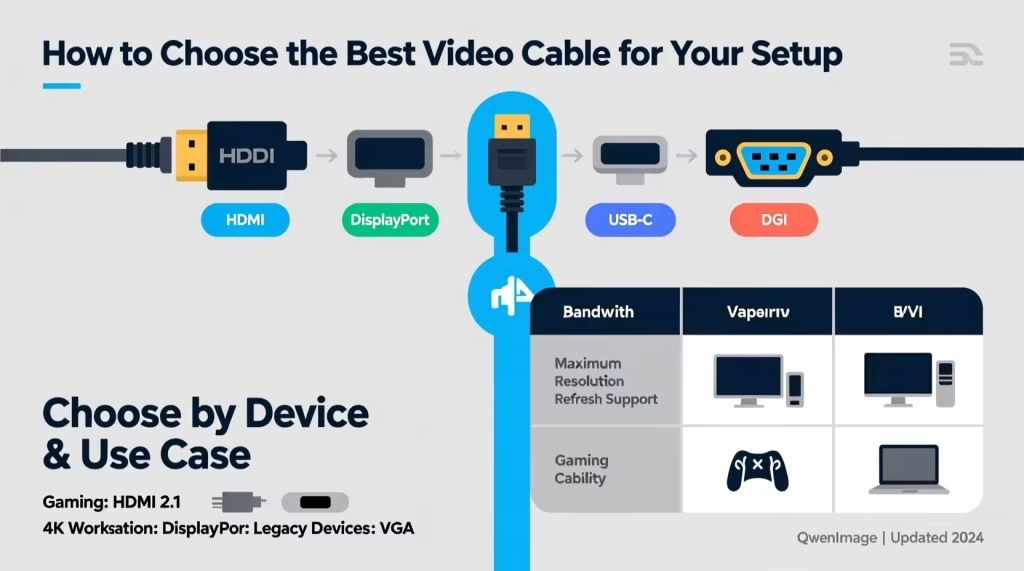
When connecting video devices in today’s digital environment, choosing the appropriate cable is crucial for achieving the performance and compatibility you need. Whether you’re setting up multi-monitor workstations, hooking up a laptop to a projector for presentations, or upgrading your home entertainment setup, the right connectivity cables help ensure clear visuals and reliable performance. With a variety of options available, understanding how different interfaces work helps users make informed decisions that match both their equipment and usage requirements.
Understanding Common Video Interfaces
Devices such as computers, displays, gaming consoles, and projectors use a range of video interfaces. Some standards have evolved over time, while others remain relevant due to widespread support or specific use cases. Familiar video connections include HDMI, DisplayPort, and older digital interfaces.
Each interface serves different purposes and offers varying levels of performance. Knowing the strengths and limitations of each connection helps you select cables that deliver the best results for your particular setup.
What Is a Hybrid Video Connection Adapter?
In many scenarios, you’ll need to connect two devices that don’t share the same video port types. For example, older computers and graphics cards may only have digital video outputs, while newer displays favour HDMI inputs. In such cases, an adapter or conversion cable becomes essential to bridge that gap.
A dvi to hdmi connection provides a practical solution when linking devices with different port types. By enabling compatibility between digital video output and high-definition multimedia input, these adapters support a variety of setups and extended use cases without requiring new hardware or complex reconfigurations.
Comparing Digital Video Interfaces
Digital Video Interface (DVI)
DVI was widely used in desktop computers and early flat-panel displays. It supports uncompressed digital video, offering reliable image quality. While it does not transmit audio, it is effective for many applications where video resolution and clarity are priorities.
HDMI (High-Definition Multimedia Interface)
HDMI has become the industry standard for modern consumer devices. It transmits both high-definition video and multi-channel audio in a single cable, making it a versatile and convenient choice for a broad range of AV setups.
Each interface has its strengths, and using an adapter or conversion cable allows you to take advantage of both.
How Conversion Between Interfaces Works
Unlike simple cable extensions that connect matching ports, converting between different video standards requires an adapter that can handle signal compatibility. The conversion from DVI’s digital signal to HDMI’s digital video format is relatively straightforward since both standards share similar video encoding methods.
However, because DVI does not carry audio, a conversion setup focused on video does not automatically include sound transmission. Additional audio connections may be necessary if you require sound alongside the video signal.
Benefits of Flexible Connectivity Solutions
Adapters or cables that bridge different video standards provide several advantages:
- Extended Device Compatibility: Connect legacy equipment to modern displays without replacing existing hardware.
- Cost-Effective: Avoids the need for new graphics cards or displays with matching ports.
- Simplified Setup: Reduces complexity in mixed-interface environments.
These benefits are especially useful when integrating older computers into new workspaces or supporting presentations and displays in communal areas.
Choosing the Right Cable or Adapter
When selecting a conversion solution, consider these factors:
Connector Type and Quality
Choose connectors that match the device ports precisely and are built with durable materials to ensure longevity.
Signal Integrity
Quality cables and adapters help maintain a strong signal and minimise noise or visual artifacts.
Length and Flexibility
Longer cables provide flexibility but may require more shielding to prevent signal degradation.
By choosing well-built components, you enhance your setup’s reliability and performance.
Installation and Setup Tips
Proper installation helps maximise performance and prevent frustration. Here are some practical guidelines:
- Power off devices before connecting anything to prevent damage.
- Align connectors carefully to avoid bent pins.
- Secure cables to reduce tension on ports and minimise wear over time.
- Check display settings to ensure the correct input source is selected.
These straightforward steps help ensure a smooth and reliable connection.
Troubleshooting Common Connectivity Issues
Even with compatible cables, you may encounter issues such as:
- No video signal
- Grainy or distorted images
- Incorrect resolution scaling
In such cases, try:
- Re-seating the connections
- Testing with another cable or adapter
- Adjusting display resolution settings
- Updating graphics drivers
Often, simple adjustments resolve common connection problems.
Multi-Display and Extended Desktop Setups
Using adapters and conversion cables is especially helpful in multi-monitor environments. For example, you can connect an older desktop’s digital video output to a newer HDMI-equipped monitor to expand your display area. This setup is valuable for productivity, gaming, and professional tasks that benefit from extended screen space.
Planning your connections ahead of time helps ensure that all devices work together without compatibility hiccups.
Future-Proofing Connectivity
While digital video interface standards continue to evolve, solutions that support flexibility and interoperability help you make the most of your existing equipment. Converters and adaptable cables extend the usefulness of older hardware and delay the need for unnecessary upgrades.
If your current setup includes a mix of legacy and modern systems, investing in reliable conversion options provides peace of mind and long-term usability.
Safe Handling and Cable Care
Taking good care of your connectivity cables ensures they last longer and maintain performance. Here are some tips:
- Avoid sharp bends or excessive tension
- Keep cables untangled and organised
- Store unused cables neatly to prevent wear
- Clean connectors gently to maintain good contact
Proper care not only protects the cables but also maintains consistent performance over time.
Making the Right Choice for Your Setup
Selecting the right video connectivity solution involves assessing your equipment, understanding performance needs, and choosing components that offer durability and compatibility. Whether for home office setups, professional presentations, or entertainment systems, having the right cable or adapter makes a significant difference in user experience.
Exploring reliable product ranges for dvi to hdmi conversion and related connectivity solutions gives you the flexibility to connect a wide variety of devices easily and confidently, regardless of port differences or technological changes.